




product Specification:

  • 【PERFECT SIZE & ERGONOMIC DESIGN】 Compact but perfect size, meeting ergonomic principle, it is comfortable to hold in hand, the presenter can fit pocket when not in use. Made with high quality material, presentation remote clicker has a rubber feeling. USB stored under the battery cover, never worry to lose it. 【100FT WIRELESS REMOTE CONTROL DISTANCE & 300FT LASER DISPLAY RANGE】Wireless presenter remote control distance range of up to 50-foot, so you can free to move around the room and interact with your audience. The bright red laser pointer that's easy to highlight key areas of your slides. You can continue to control the slides PPT without returning to computer. Please Recognise “Sold by GREENKITS”. 【WHAT YOU GET & SUPPORT】 Package includes: 1x Clicker for PowerPoint Presentations with USB rece

PRESENTER NORMAL

Warranty: Testing Warranty warranty
Country of Origin : Made in China

Quantity

MRP: ₹ 799.00 ₹270.00 (Exclusive tax)

₹529.00 Saved save

Add To Wishlist
SKU: SKU-V-2297
Box Unit:1
Dimensions: 3 x 4 x 1.27 (L × W × H) cm
Prepaid
Available


COD
Available

Return
Available
Fast Delivery

Fast Delivery

Cash on Delivery

COD Available

Festival Offer

Secure Checkout

Online Payment

online payment

Product Description

This Laser presenter is a easy to use presenter which fits easily into hand. Its compact size makes it easy to carry anywhere and everywhere. The buttons are placed at some distance from each other which makes it easy to operate.It comes with USB receiver that is plug and play which means that you don't have to install any drivers to run the laser presenter. The functions and working is similar to the Logitech Laser Presenter and this laser presenter is available at much lesser cost.

Direction for use:

1) Open the battery slot and remove the USB receiver inside.

2) Insert the battery and close the battery slot.

3) Turn on the power button on the left hand side of the remote

4) Now press the centre round button to check whether the laser light is functional.

5) Insert the USB receiver in the USB slot of your PC or Laptop and you are good to go

Buttons & its functions:

1) Left & Right buttons moves the presentation to previous and next slide respectively.

2) Pressing the upper button makes the screen blank.

3) If you want to toggle between slide show and normal mode then press the lower button.

We would suggest you to go through the manual carefully before using the laser presenter.

Review this product

Let other customers know what you think

  • 5
    9
  • 4
    7
  • 3
    5
  • 2
    3
  • 1
    1
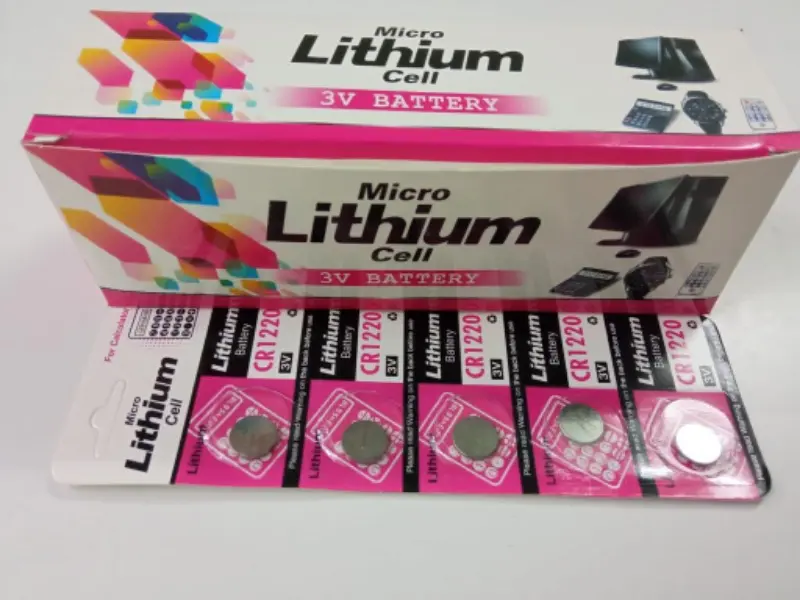
DVR CELL 1220 ( BOX )
iSKU-V-2053

₹ 338.00 ₹ 985

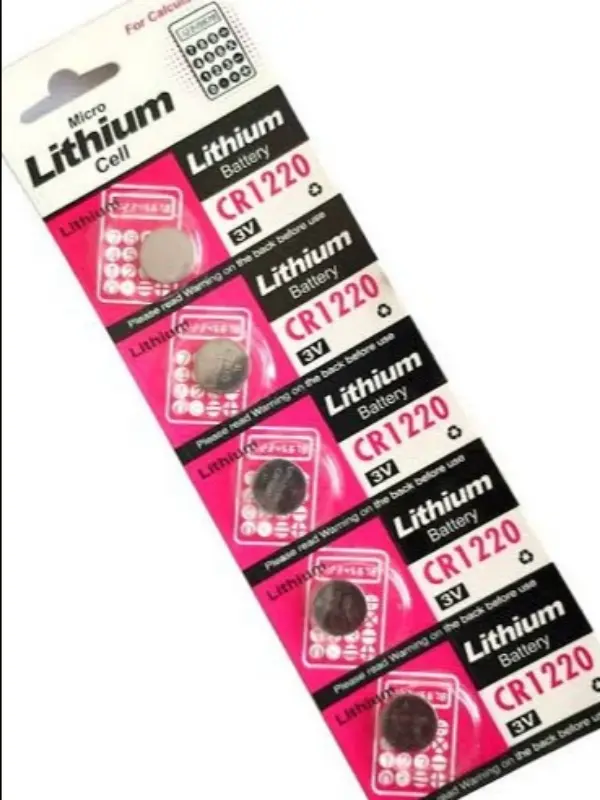
DVR CELL 1220 ( LOOSE )
SKU-V-2107

₹ 43.00 ₹ 145

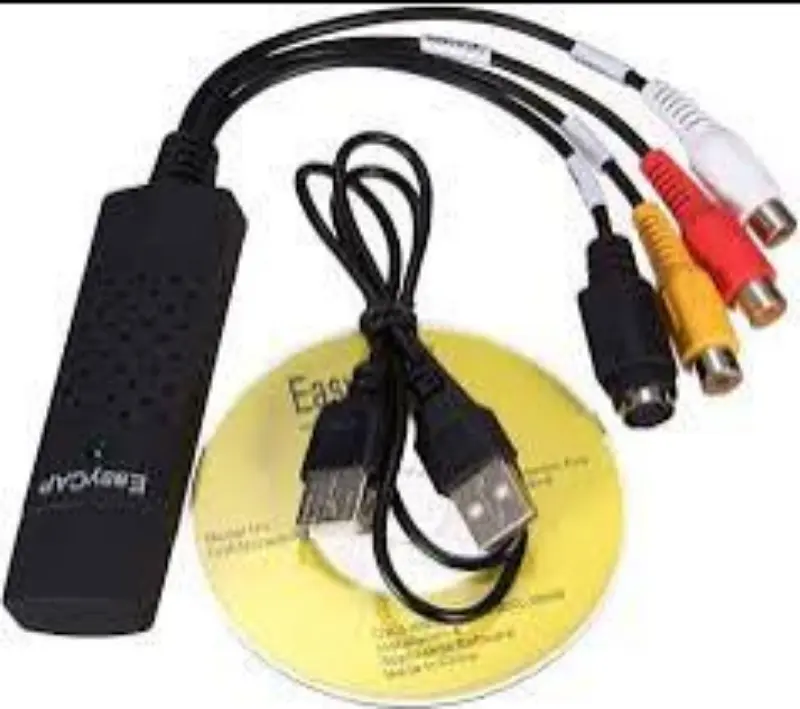
EASY CAPTURE CARD
SKU-V-2111

₹ 364.00 ₹ 1185

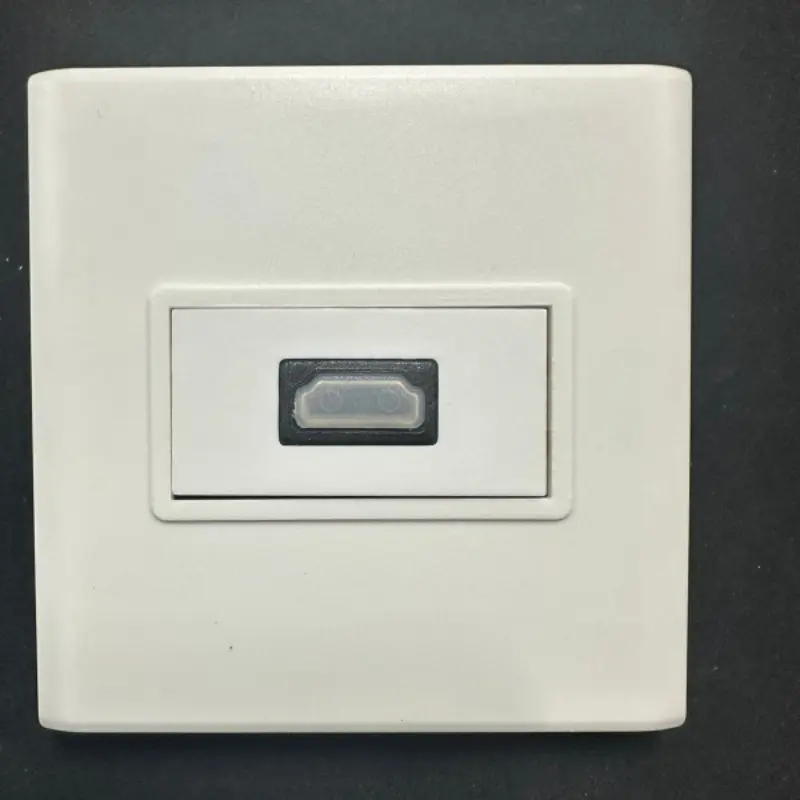
FACE PLATE ( HDMI PORT )
SKU-V-2112

₹ 182.00 ₹ 485

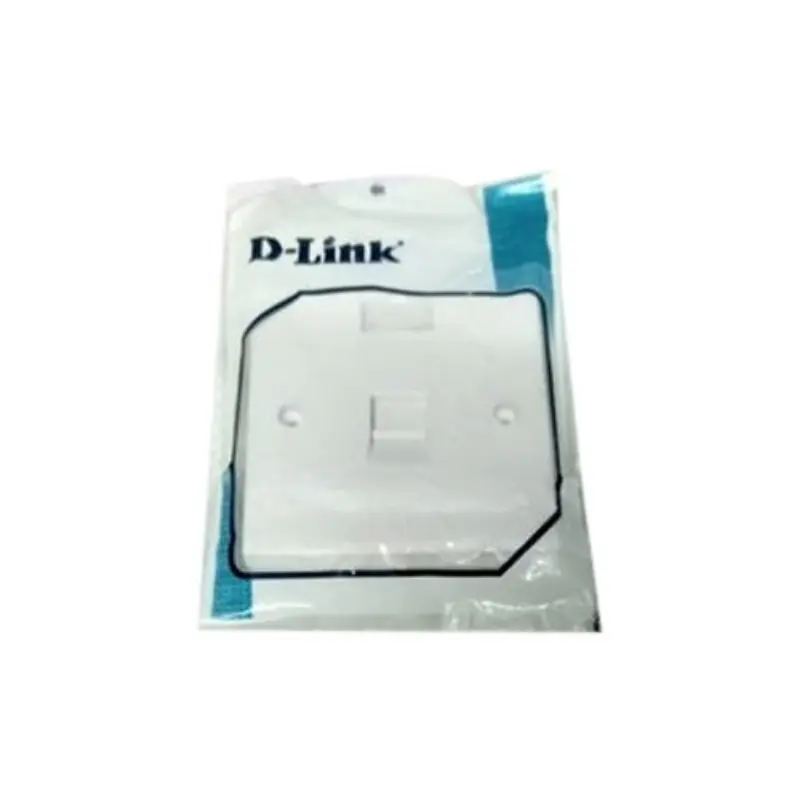
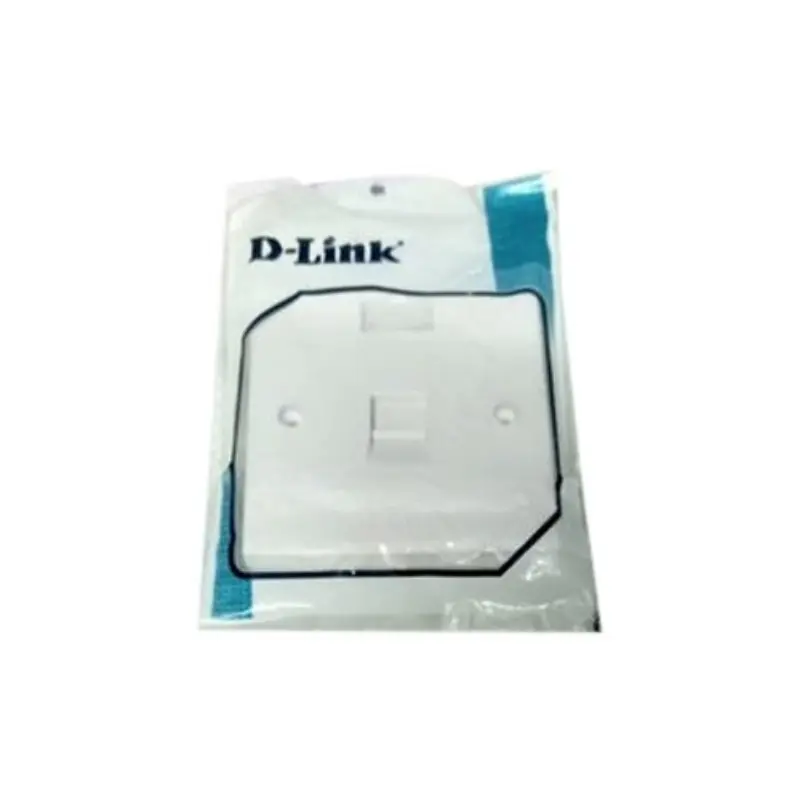
FACE PLATE IN " SINGLE PORT "
iSKU-V-2056
FACE PLATE IN { DOUBLE }
SKU-V-2113

₹ 78.00 ₹ 240

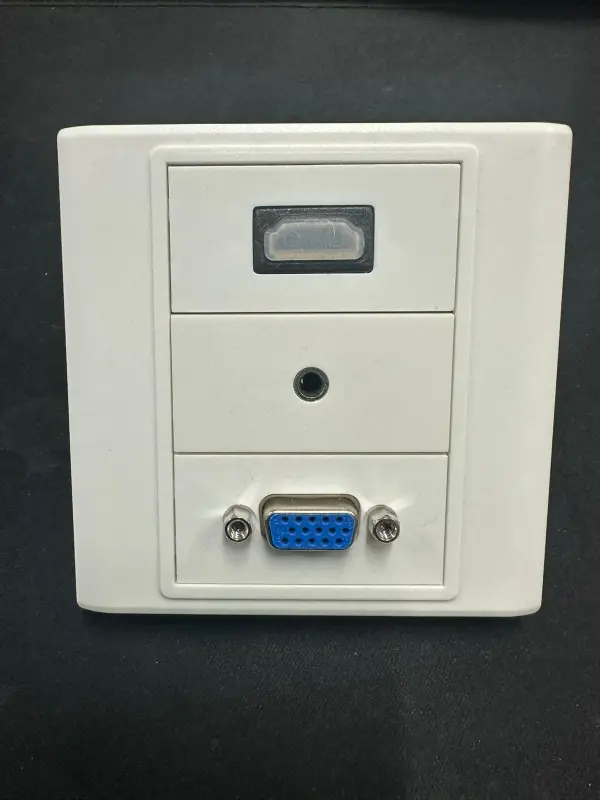
FACE PLATE WITH ( HDMI +VGA+AUX )
SKU-V-2114
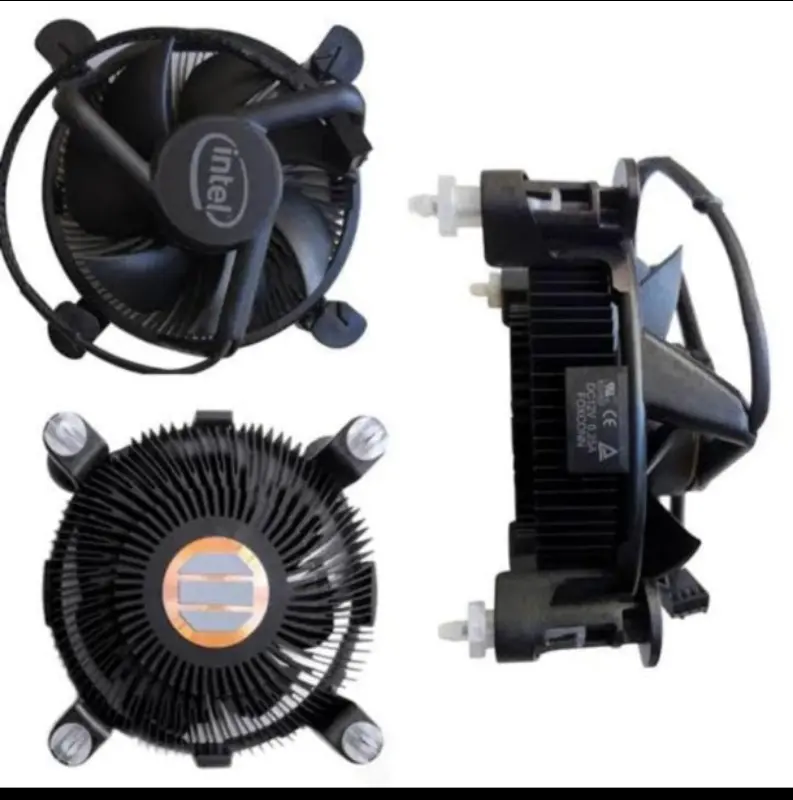
FAN INTEL
iSKU-V-2057

₹ 178.00 ₹ 599

FAN INTEL (BLACK ORGINAL)
SKU-V-2115

₹ 299.00 ₹ 900

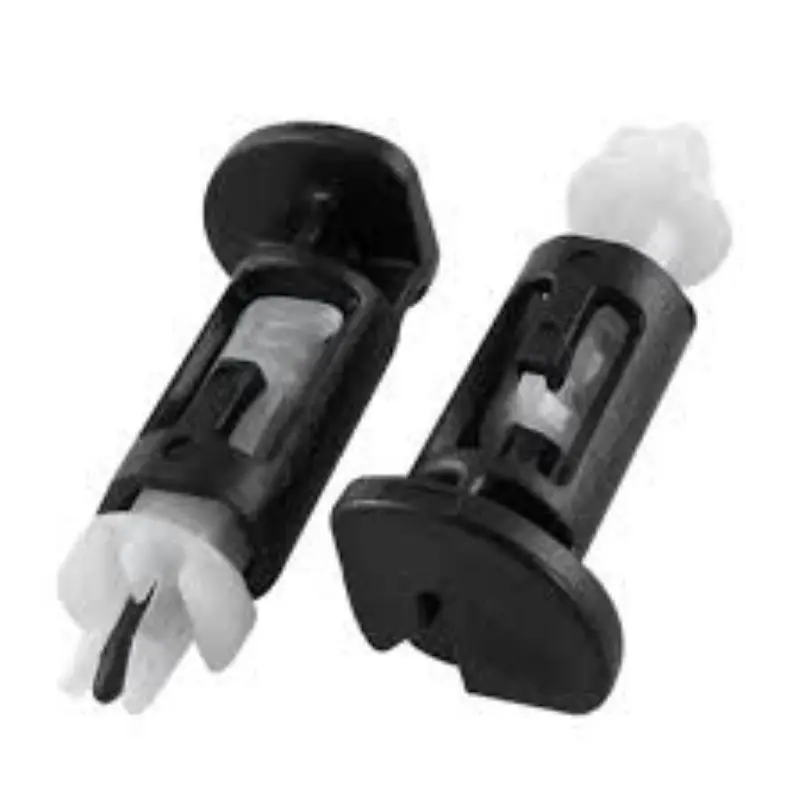
FAN LOCK PAIR ( BLACK + WHITE )
SKU-V-2116
PRESENTER NORMAL
₹270 ₹799

My Cart (0)

    Loading cart items...

whatsApp